In the modern fast-paced digital workplace, almost every business depends on PDF files for daily communication and documentation. PDF has become the most trusted file format, whether you’re sharing business proposals, employee records, financial reports, marketing presentations or client contracts. The high volume of use has made online tools such as iLovePDF widely used to quickly manage documents without installing heavy software.
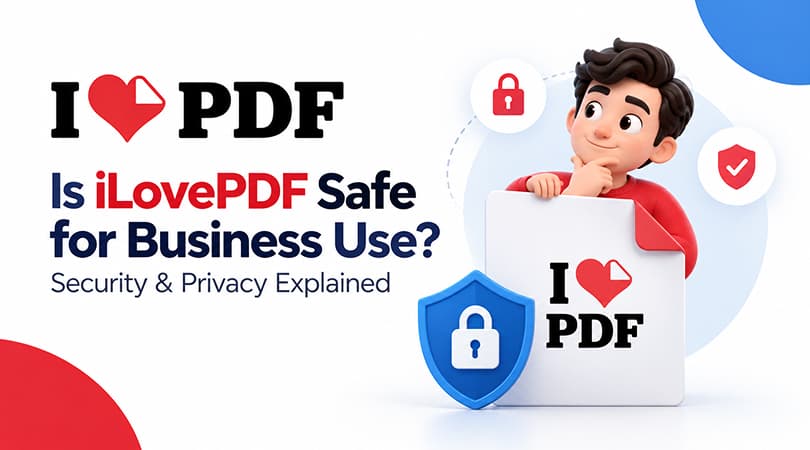
But convenience brings concerns, too. Most companies will ask an important question before using it for business purposes: Is iLovePDF safe to use for business, especially when handling sensitive data?
So, to be clear, we need to understand how the tool works, what security it provides, and where businesses need to be careful.
What is iLovePDF?
iLovePDF is a simple online PDF management tool designed to make document handling easy for individuals and businesses. Instead of using multiple software programs, users can complete most PDF tasks in one place through a web browser. It removes technical complexity and helps users work faster with documents.
With iLovePDF, you can easily perform everyday PDF tasks such as:
- Merging multiple PDF files into one organised document
- Splitting large PDFs into smaller, easy-to-share files
- Compressing PDFs to reduce file size without losing quality
- Converting PDFs into Excel, PowerPoint, Word & other formats
- Adding signatures, watermarks and performing basic edits
These basic features helped it gain popularity among startups, freelancers, and small to medium companies. With this, they get fast document processing software without spending too much.
Is iLovePDF Safe to Use?
Yes, iLovePDF is mostly safe for regular use in business if used correctly. It utilizes standard security protocols which are commonly used in online processing technology. It works well and is safe without facing major dangers.
It is essential to understand that there are no completely risk-free online tools. The nature of the data that you upload also determines how safe your files are.
For example, Businesses can use iLovePDF for many types of documents, but organizations should still review their own security, compliance, and data-handling requirements before uploading highly sensitive or regulated information.
Security Features of iLovePDF
iLovePDF includes several built-in security measures to protect user files and ensure safe processing. These features are built to give users confidence while working with documents online.
1. Encrypted File Transfer
Whenever a file is uploaded or downloaded, it is protected using secure encryption. This means the data is converted into a secure format during transfer, making it difficult for unauthorized access.
2. Automatic File Deletion
Uploaded files do not remain in servers forever; they are deleted automatically after a short period, which helps reduce the chances of long-term data exposure.
3. Secure Cloud Processing
All document processing happens on secure cloud servers that are built to handle file conversions safely and efficiently without exposing data of users.
4. Limited File Access
In most cases, files are processed automatically without manual human access. This reduces the risk of internal data misuse and improves privacy protection.
5. ISO/IEC 27001 Certification and GDPR Compliance
iLovePDF also states that it is ISO/IEC 27001:2022 certified and GDPR compliant, providing additional assurance around its information-security and data-protection practices.
Privacy Concerns You Should Know
iLovePDF has good security mechanisms, but businesses should still be aware of how privacy is managed by online tools. Being a cloud-based platform, files must be uploaded to external servers for processing.
This means:
- Files are temporarily stored on cloud servers during processing
- Some data may be collected to improve performance.
- Online PDF processing requires files to be uploaded to external servers.
This is why it is important for companies to be careful when uploading sensitive or strictly regulated information. The files are automatically deleted, but the process itself requires external storage technology.
A simple and practical rule is as follows:
If you are working with sensitive or legally critical information, avoid putting it online.
Is iLovePDF Suitable for Business Use?
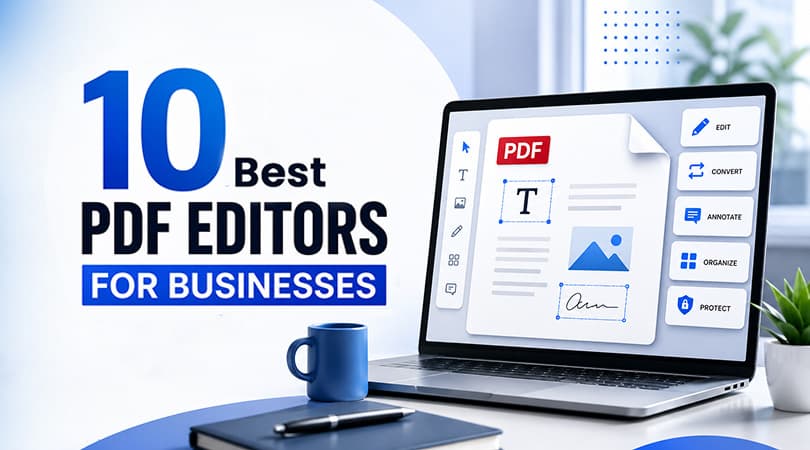
Companies comparing different solutions can also explore the Best PDF editors for businesses before choosing a tool for their document workflows. iLovePDF can be a useful and time-saving solution for many businesses. ILovePDF can be a useful and time-saving solution for many businesses. It can reduce the need for traditional desktop PDF software and allow teams to manage documents more efficiently.
It is good for:
It can be useful in business environments where speed and ease of use are important for everyday document workflows. It is used a lot by teams that deal with everyday document workflows.
- Marketing team presentations and campaign materials
- HR teams handling resumes, offer letters, and onboarding paperwork
- Sales Teams Client proposals and quotations
- Admin teams managing reports, internal communication files, and PDFs
In such cases, iLovePDF helps in productivity and reduces manual effort to a large extent.
Best Practices for Safe Use in Business
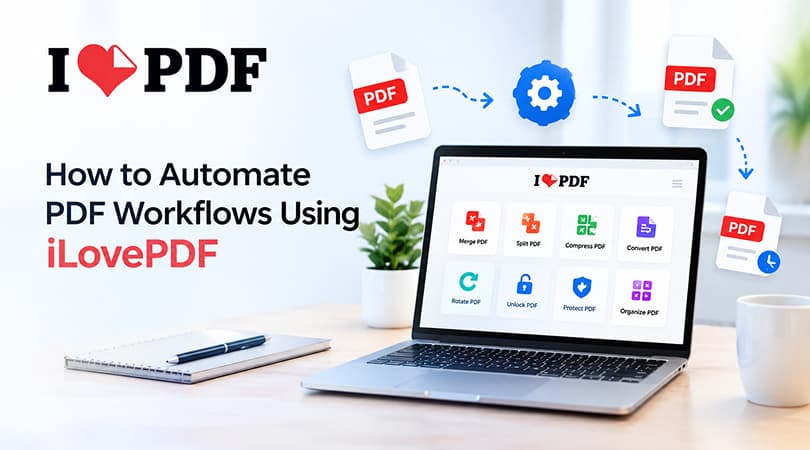
Businesses can also automate PDF workflows using iLovePDF to reduce repetitive document-processing tasks and improve team productivity. When using iLovePDF in a business environment, there are a few simple yet effective practices to follow to keep it safe. These steps can help reduce risk and improve document security overall.
- Avoid uploading highly sensitive or regulated documents when your organization's policies prohibit it.
- Use offline tools for sensitive file processing when required.
- Delete unnecessary local copies of processed files after use.
- Use password protection for sensitive, downloaded PDFs.
- Train staff on secure digital document handling practices.
These basic habits will allow your team to take advantage of iLovePDF while keeping your data safe.
Where to Get iLovePDF for Business
Businesses looking for a structured way to purchase and manage software can explore iLovePDF for Business through Wroffy. Wroffy provides business software licensing and support for organizations in India.
You can buy iLovePDF from Wroffy, a trusted software reseller that sells iLovePDF and offers verified business software solutions for companies across India.
As a reliable partner, Wroffy ensures that businesses get:
- Genuine software access and licensing support
- GST-compliant billing for official business use
- Easy onboarding and usage guidance
- Dedicated support for business software requirements
This makes it easier for companies to adopt digital tools like iLovePDF in a safe, compliant, and hassle-free way.
Conclusion
To summarize, iLovePDF is safe for most business purposes, particularly daily document management tasks. The platform is safe for users and works without glitches because it encrypts info, works on secure servers, and deletes files automatically.
For enterprises and businesses that plan to use the product at a professional level, they should purchase iLovePDF from a Trusted software reseller. It ensures a more secure and reliable experience.
When used properly, iLovePDF can be a great and time-saving tool for document handling. For enterprises and businesses that plan to use the product at the professional level should purchase iLovePDF from trusted reseller.